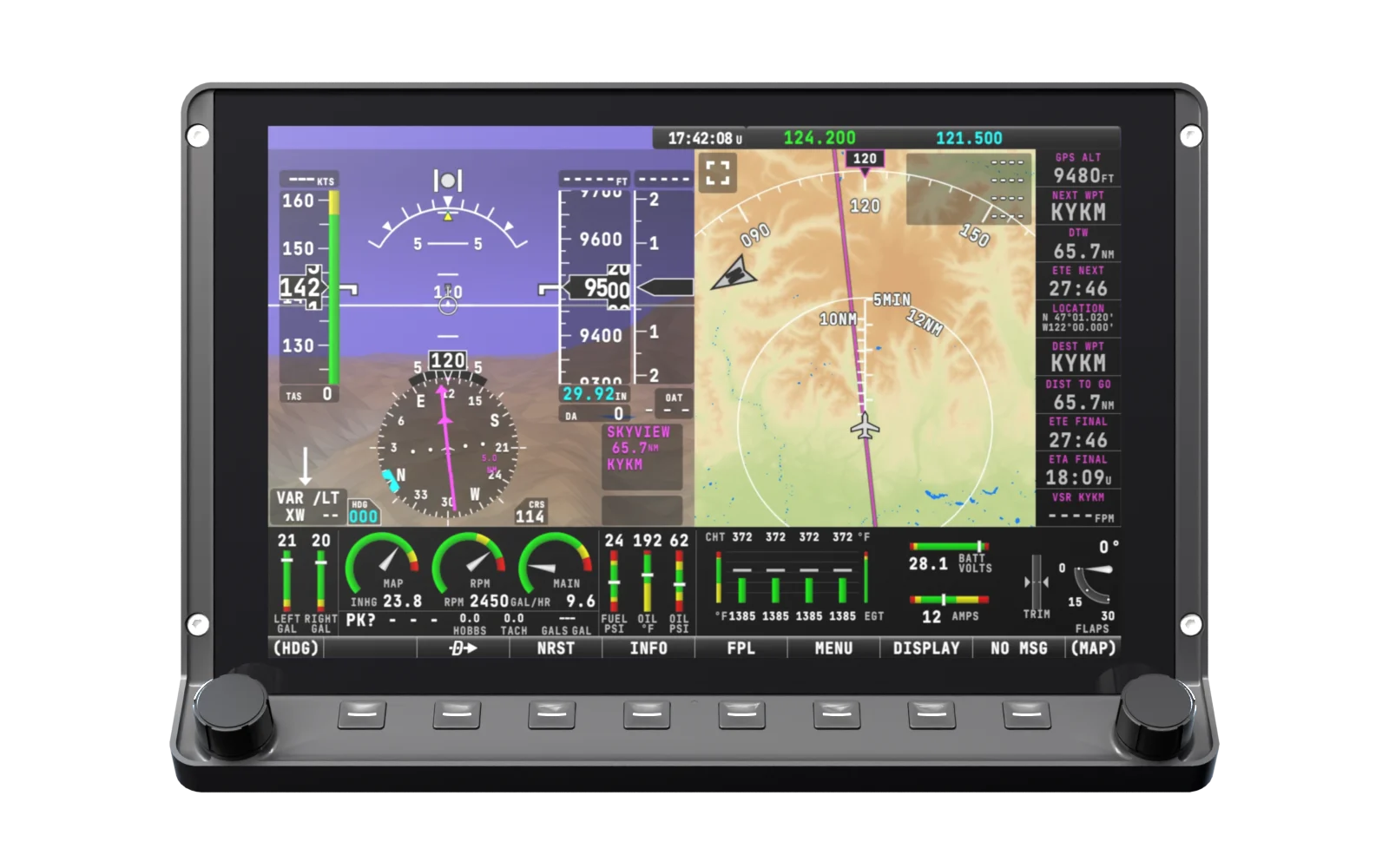
The display straight on, glass lit, in a dark studio.

Fly the browser demoCompare Lite and Premium

  1. PFD, MAP, ENGINE.

    The three pages you fly with, on one screen.

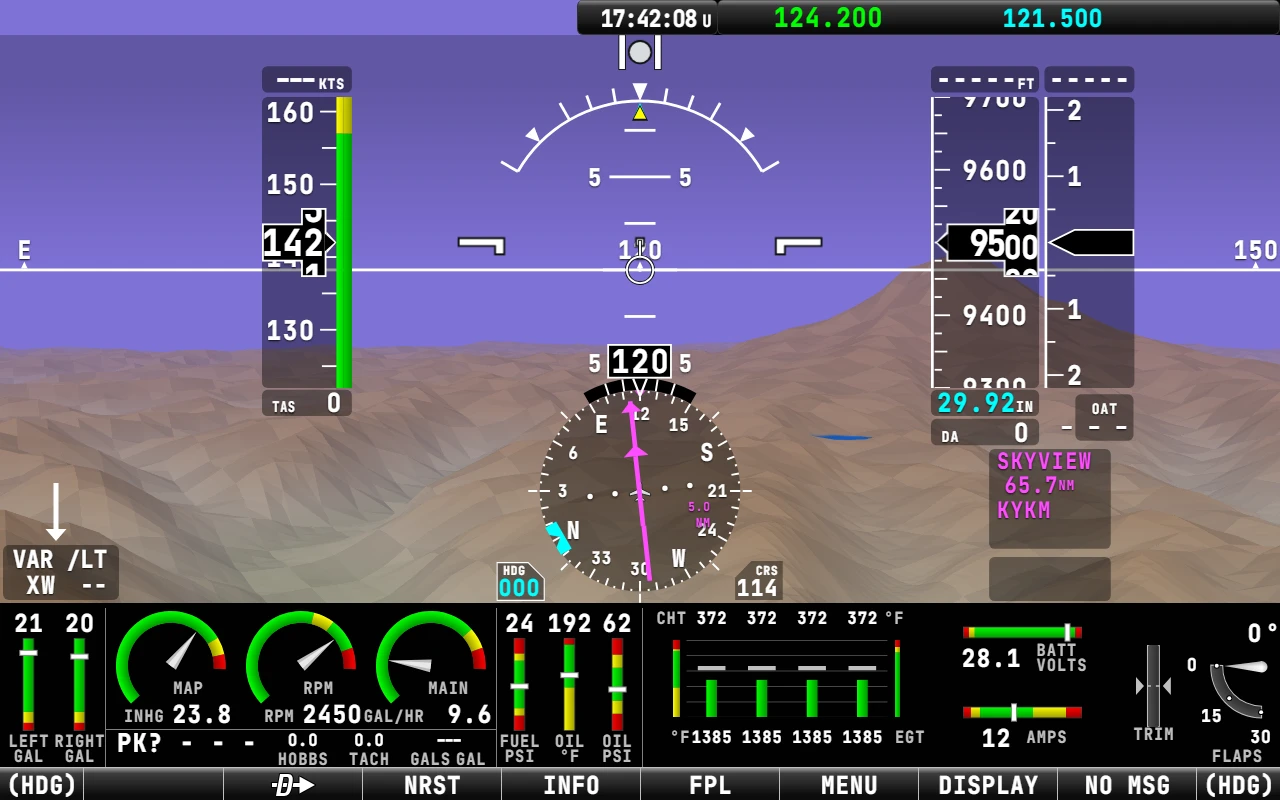
  2. The PFD across the whole screen in cruise, a mountain rising out of the synthetic terrain ahead and right, the magenta course on the HSI, airspeed and altitude tapes, and the engine band below.

    PFD A complete PFD, free in Lite.

    Your NAV radio's VOR/LOC course on the HSI. Basic autopilot: level, heading/track hold, altitude hold, vertical speed.

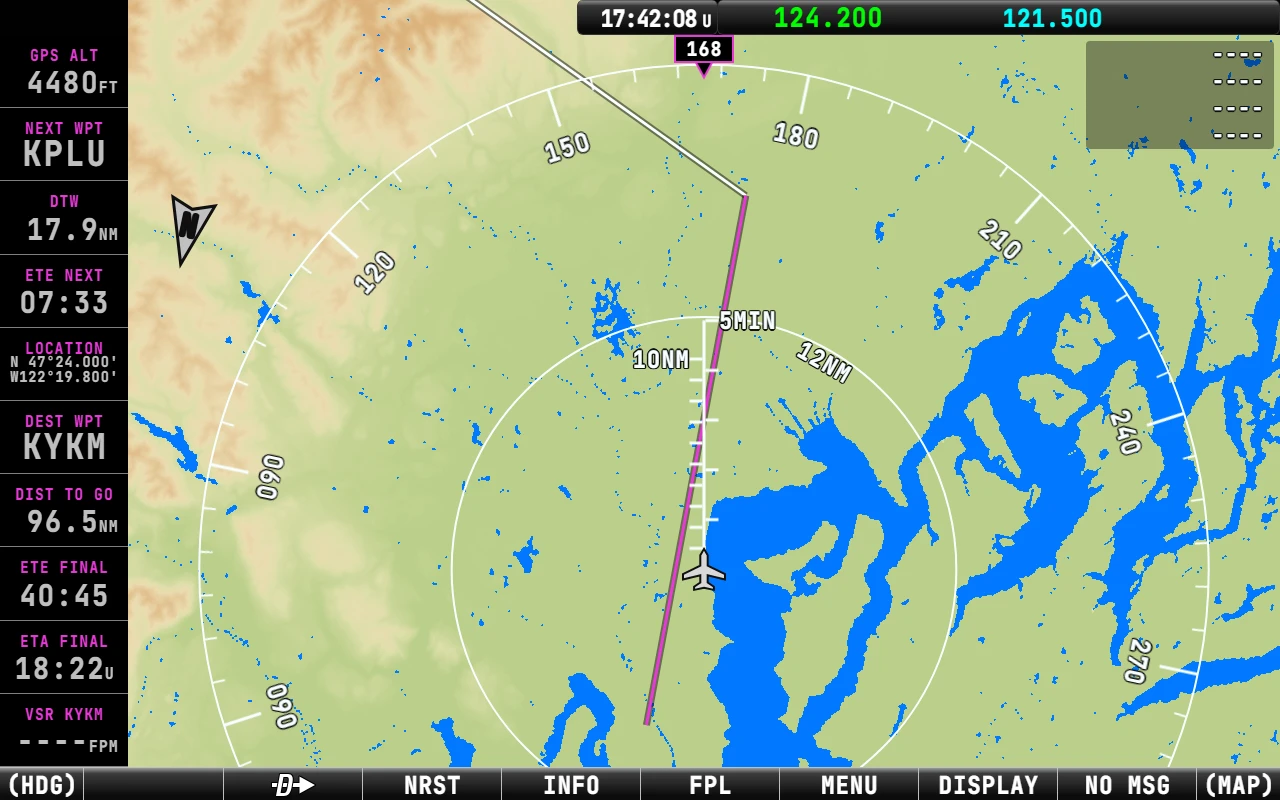
  3. The MAP across the whole screen: terrain coloring, water, the magenta leg and the plan beyond it, the range rings and the information column.

    MAP The moving map is free. Your flight plan on it is Premium.

    Premium adds the VFR GPS navigator: flight plan, Direct-To and nearest.

    $29.99 once. No subscription.

    See what Premium adds

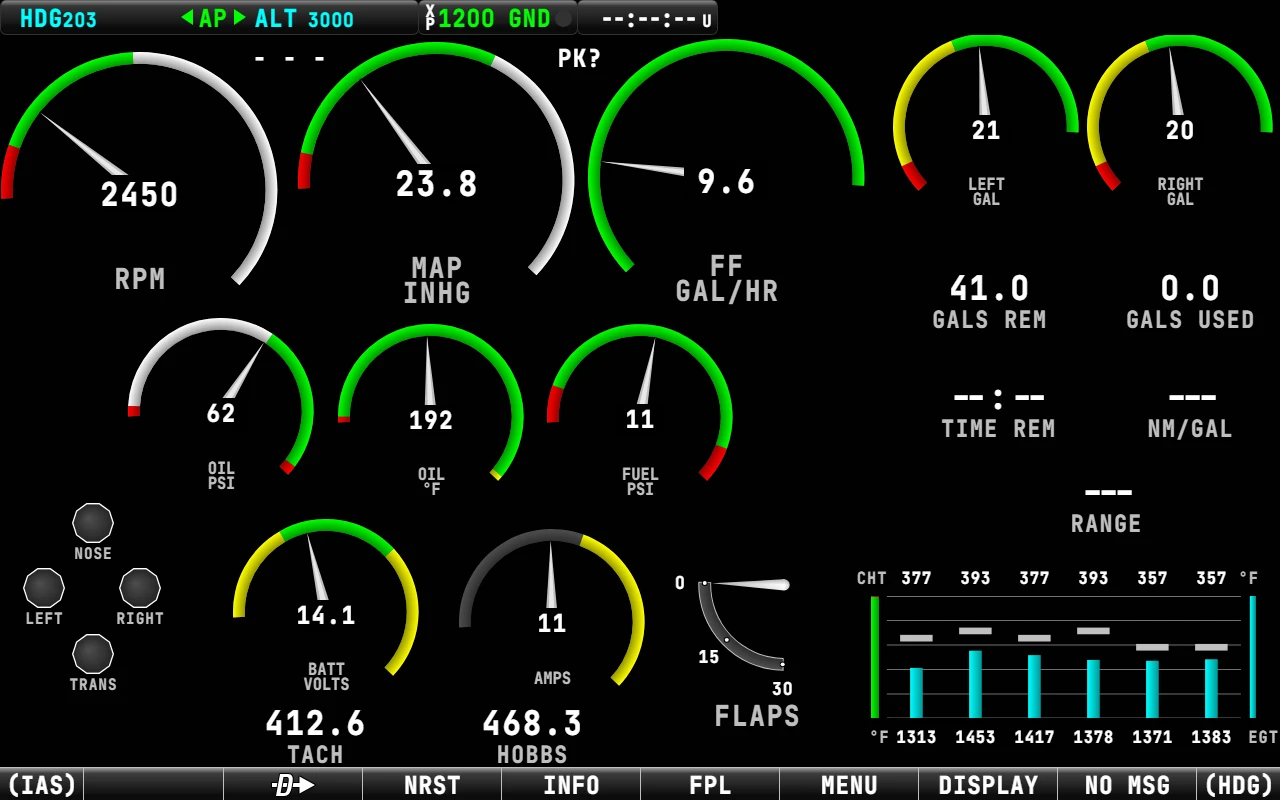
  4. The ENGINE page of a single engine in cruise: RPM, manifold pressure and fuel flow dials, oil and fuel pressure, oil temperature, both tanks, fuel remaining, volts, amps, flaps, and the CHT and EGT of all six cylinders.

    ENGINE The complete ENGINE page, free in Lite.

    Lite runs one display. Premium adds split layouts, so ENGINE can sit beside the PFD.

A full replica of the real SkyView HDX.

Built from the original's pilot's guide: the same pages, buttons, knobs and touch, and the original's features working the way the real display works them.

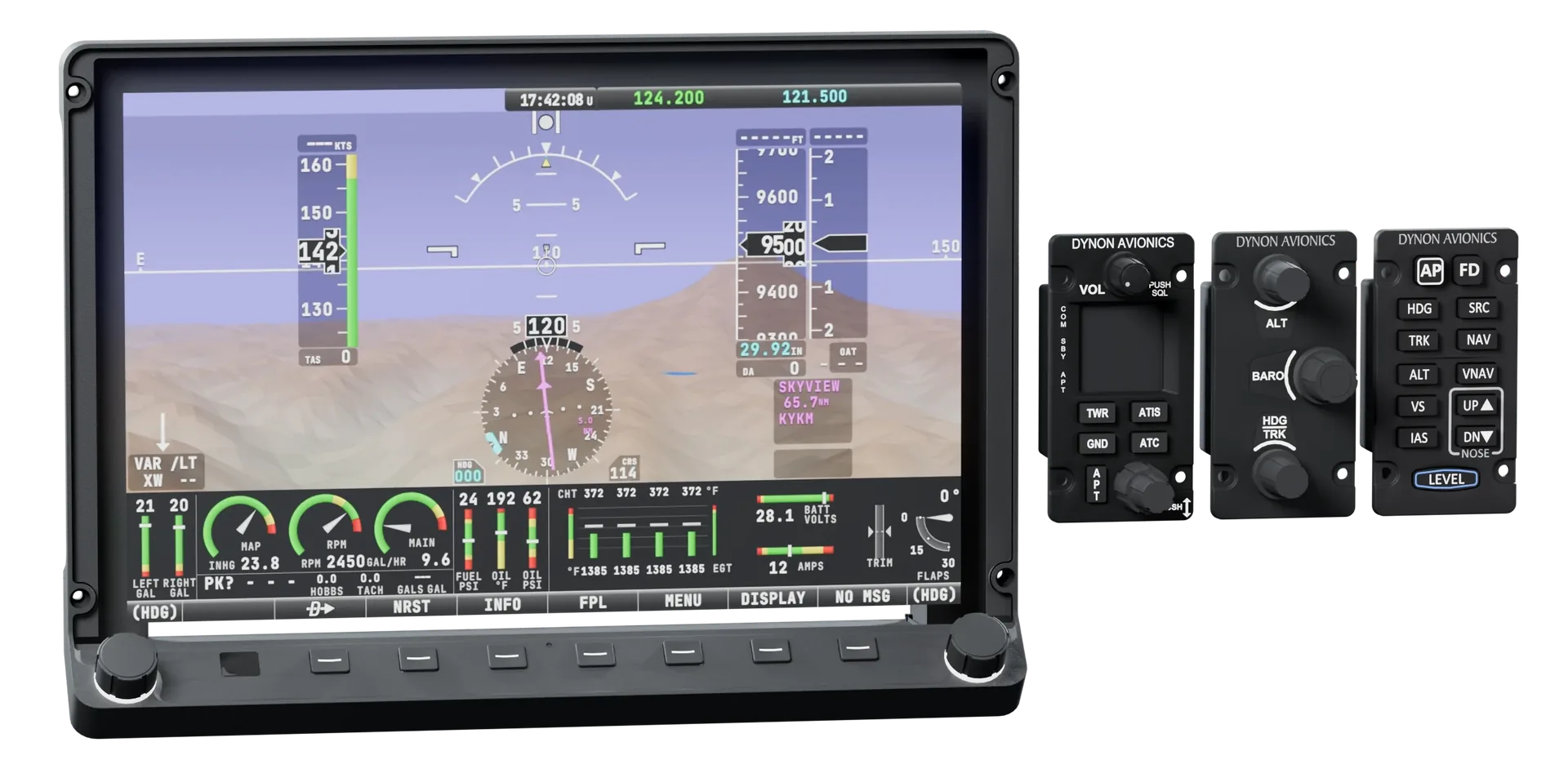
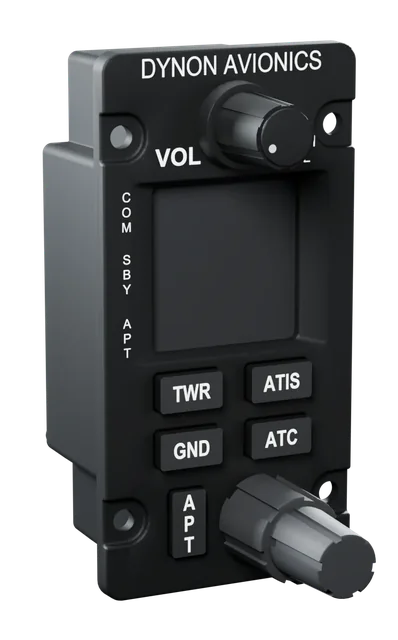
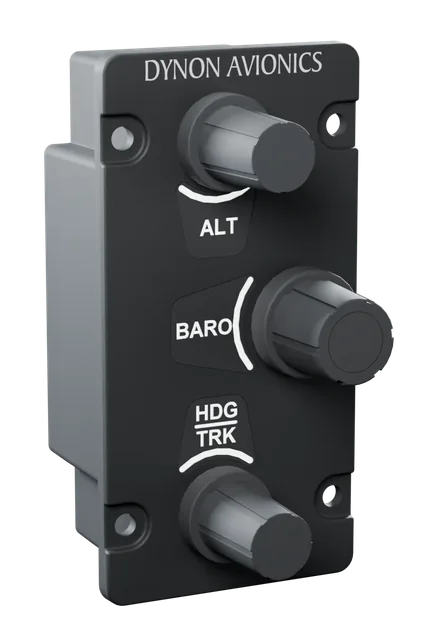
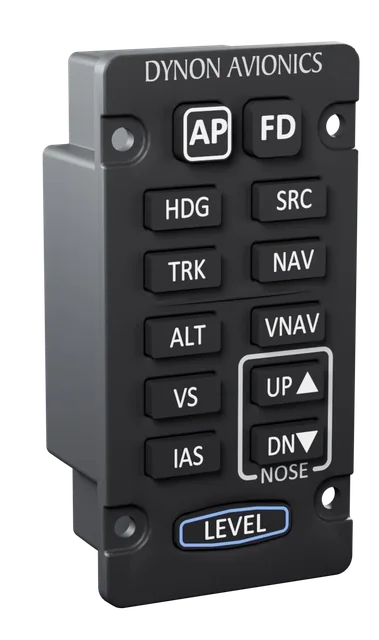
The display at true scale beside its three companion panels: the COM radio panel, the knob panel with ALT, BARO and HDG/TRK knobs, and the autopilot panel with its lit mode keys.

29 features of the original.

  • Primary flight display

    Attitude, airspeed and altitude tapes, vertical speed, heading and the HSI, with the airspeed color ranges and the bugs.

  • Six-Pack presentation

    The PFD drawn as six round instruments, with their information boxes.

  • Synthetic vision

    Terrain, obstacles and runways drawn behind the PFD attitude display, with flight plan and airport flags.

  • Highway in the skyPremium

    Boxes along the active flight plan drawn in synthetic vision.

  • Traffic in synthetic vision

    Traffic targets drawn in the synthetic vision scene.

  • Moving map

    A georeferenced MAP page with range control, airspace, navaids, airports and terrain coloring.

  • Flight planningPremium

    Flight plans with Direct-To, leg sequencing, the FLIGHT PLAN window and the plan drawn on the MAP.

  • Nearest and airport informationPremium

    The NEAREST and INFO windows for airports, navaids and frequencies.

  • VFR vertical navigationPremium

    A descent path from the flight plan, with Top of Descent and the vertical speed cue.

  • Autopilot (basic: level, heading/track hold, altitude hold, vertical speed)

    LEVEL, heading and track hold, altitude hold and vertical speed, NAV coupling to a navigator your aircraft ships, envelope protection and the AUTOPILOT page.

  • Autopilot GPS coupling to SkyView's navigator, approach, IAS and VNAV modesPremium

    GPS steering from SkyView's own navigator, approach coupling, IAS hold and VNAV.

  • Flight director

    Flight director bars on the PFD, fed by the autopilot.

  • Multiple displays

    Every display your aircraft's panel declares, sharing state, taking over for each other and swapping content.

  • Split and multi-pane layouts, added displaysPremium

    Split screens and multi-pane layouts, and displays added beyond your aircraft's own panel.

  • Plugins your aircraft ships

    The plugins an aircraft comes with, such as the bridge to its GPS navigator.

  • Third-party pluginsPremium

    Plugins you install yourself: a published plugin API, an example plugin and a developer guide, so others can add their own panes and keys to the display.

Radios, traffic, weather and checklists, built too.

  • Engine monitoring

    ENGINE pages with dials, bars and combined CHT/EGT gauges, color zones and the engine bottom band.

  • Twin-engine monitoring

    Per-engine readings and the twin ENGINE pages, including the synchroscope.

  • Fuel computer

    Fuel remaining, used, time remaining, economy and range, with the system timers.

  • Transponder

    The Top Bar transponder area and the TRANSPONDER page with code, mode, ident and ADS-B OUT.

  • COM radio

    The Top Bar COM area and the COM RADIO page, with station lookup and tuning from NEAREST and INFO.

  • COM dual watch

    Receiving two COM frequencies, shown in the Top Bar.

  • Traffic

    Traffic from the simulator on the MAP, with traffic alerts and the traffic setup page.

  • WeatherPremium

    METAR lookup, the weather tabs of NEAREST and INFO, and the MAP weather overlay.

  • Procedure charts and airport diagramsPremium

    Charts on the INFO window and in the MAP chart viewer.

  • Alerts and messages

    Three alert severities, the message window, acknowledgement and spoken alerts.

  • Checklists

    Per-aircraft checklists on the CHECKLIST page.

  • Weight and balancePremium

    A weight and balance calculator with the CG envelope.

  • Touchscreen

    Works on most screens, as on the real unit: tap and drag on soft-key labels, PFD bugs, menus, setup rows, the MAP and the on-screen keyboard.

Don't take our word for it. Fly it.

Try it right here, in our small simulator. Change runway, take off, fly.

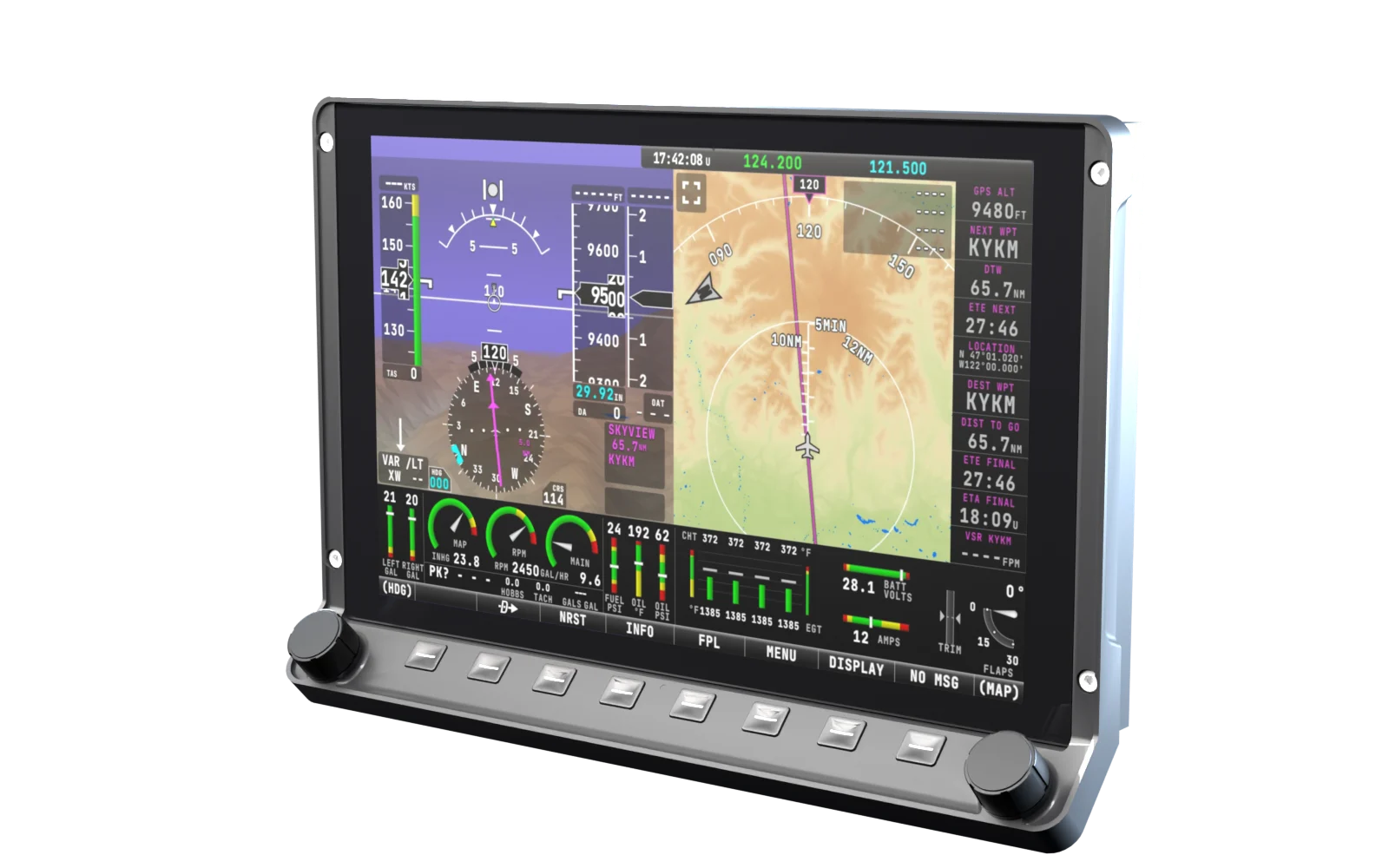
The display at three-quarters, the knob and button row catching the light.

Lite is free. Premium is $29.99, once.

Lite

Free

Already installed in supported aircraft.

  • The complete PFD
  • The complete ENGINE page
  • Moving map, without the flight plan
  • COM and NAV radio tuning
  • Course from the NAV radio (VOR/LOC) on the HSI
  • Basic autopilot: level, heading/track hold, altitude hold, vertical speed
  • Every display the aircraft's own panel declares
  • All buttons, knobs and touch

Premium

$29.99 once

Pay once, unlock every aircraft: one license for one MSFS installation, the key entered on the display. No subscription.

  • Everything in Lite
  • Your flight plan on the map
  • VFR GPS navigator: flight plan, Direct-To, nearest
  • ILS and approach guidance
  • Autopilot GPS coupling to SkyView's navigator, approach, IAS and VNAV modes
  • Split and multi-pane layouts, displays beyond your aircraft's panel
  • Third-party plugins you install

Supported aircraft

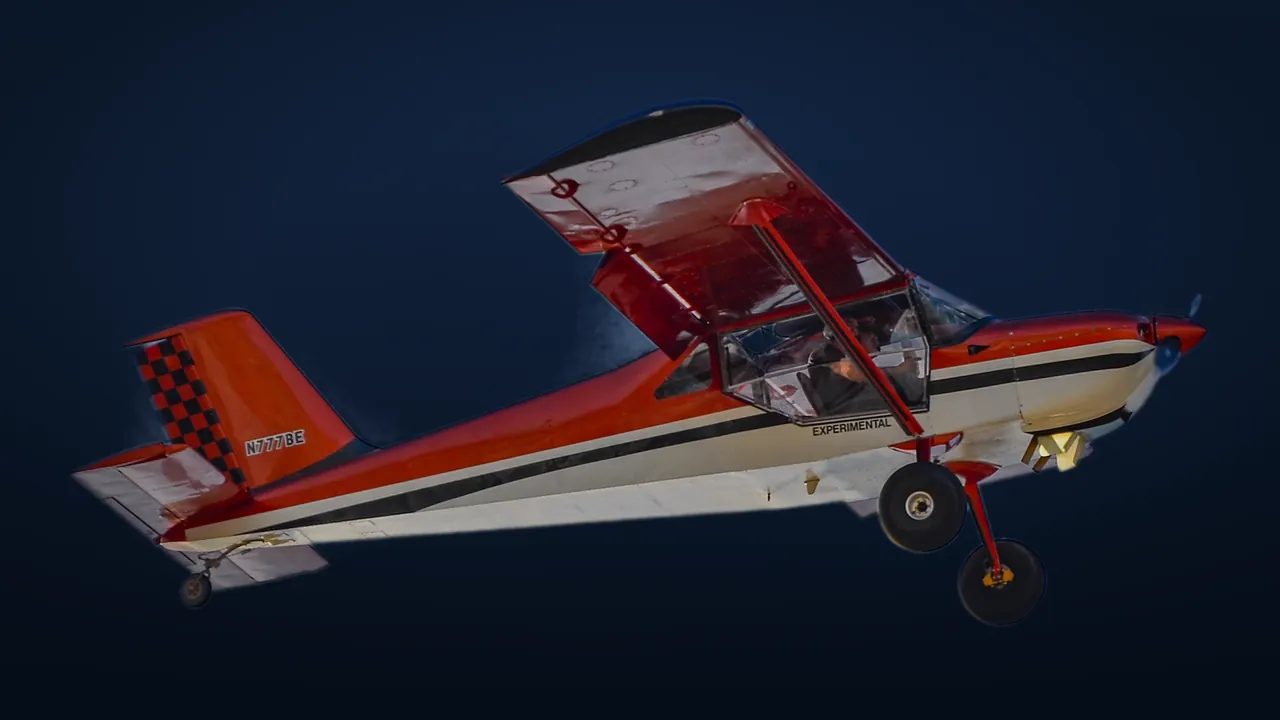
  • A RANS S-21 Outbound climbing out against a dusk sky, its high wing, red fuselage and tundra tyres lit from the side.
    Photo: Tomás Del Coro, CC BY-SA 4.0, modified

    RANS S-21

    by Flyboy Simulations

    Supported in MSFS 2024

    MSFS 2020 version: coming

  • Partner aircraft

    Announcement soon

  • Partner aircraft

    Announcement soon

  • Partner aircraft

    Announcement soon

Where to get each aircraft